

Pick up your child without the queue
Wildi is the pickup app your child's school uses. Request pickup from the car, follow your child as they come out, and show your code at the gate.
Download Wildi
Free for parents on iPhone and Android.
Connect to your school
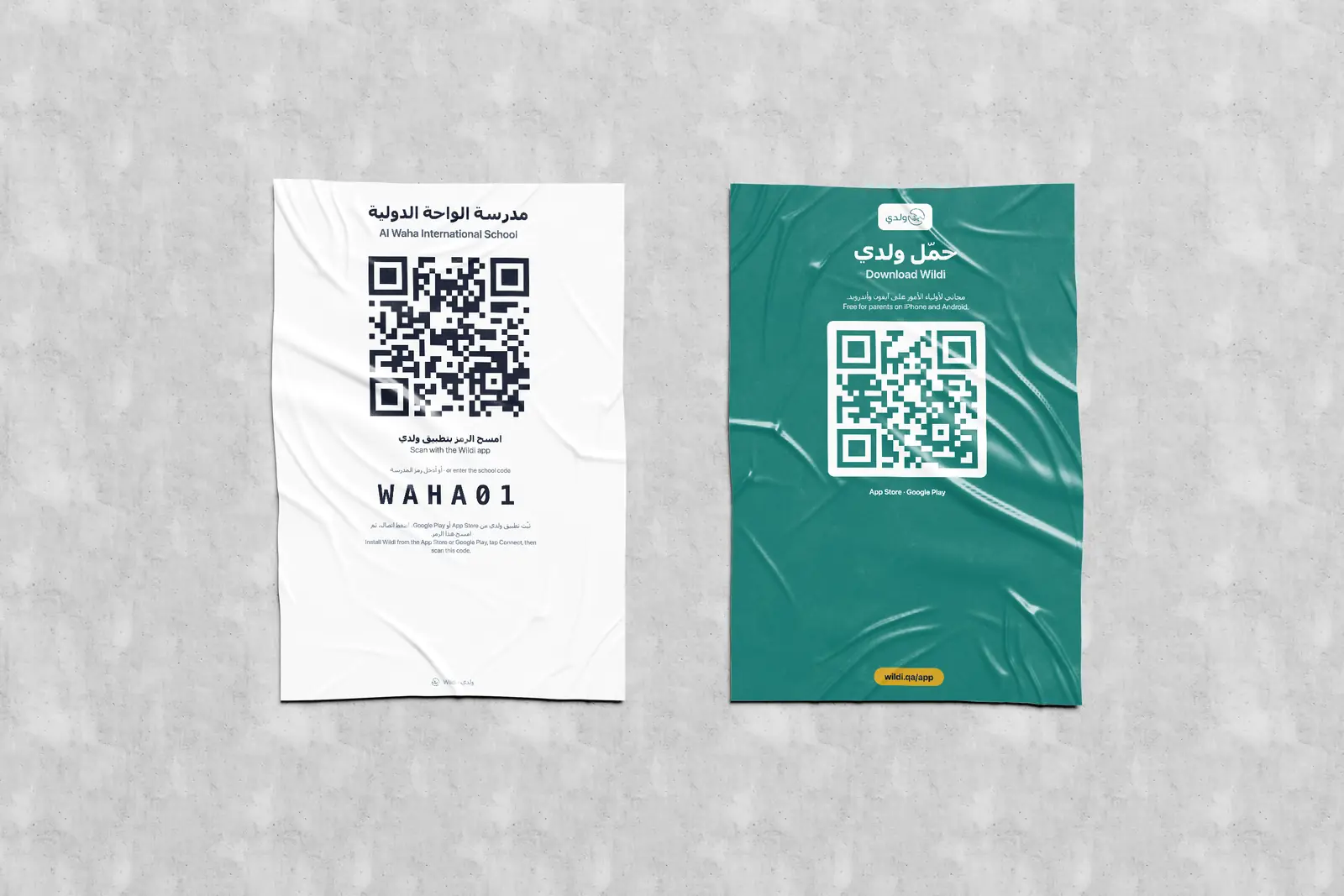
Open the app and choose one of three ways. Your school gives you the code or the poster.
Type the school code
Six letters and numbers, printed on the poster and in the school's messages.
Scan the QR poster
Scan the poster at school with the app, or with your phone camera.
Open the school link
Your school may send you its Wildi address instead.
Then, in three steps
- 1
Register
Add your email and phone, and each child's name and QID. We send a code to confirm your email.
- 2
Wait for approval
The school checks each child against its records and approves you.
- 3
Request pickup
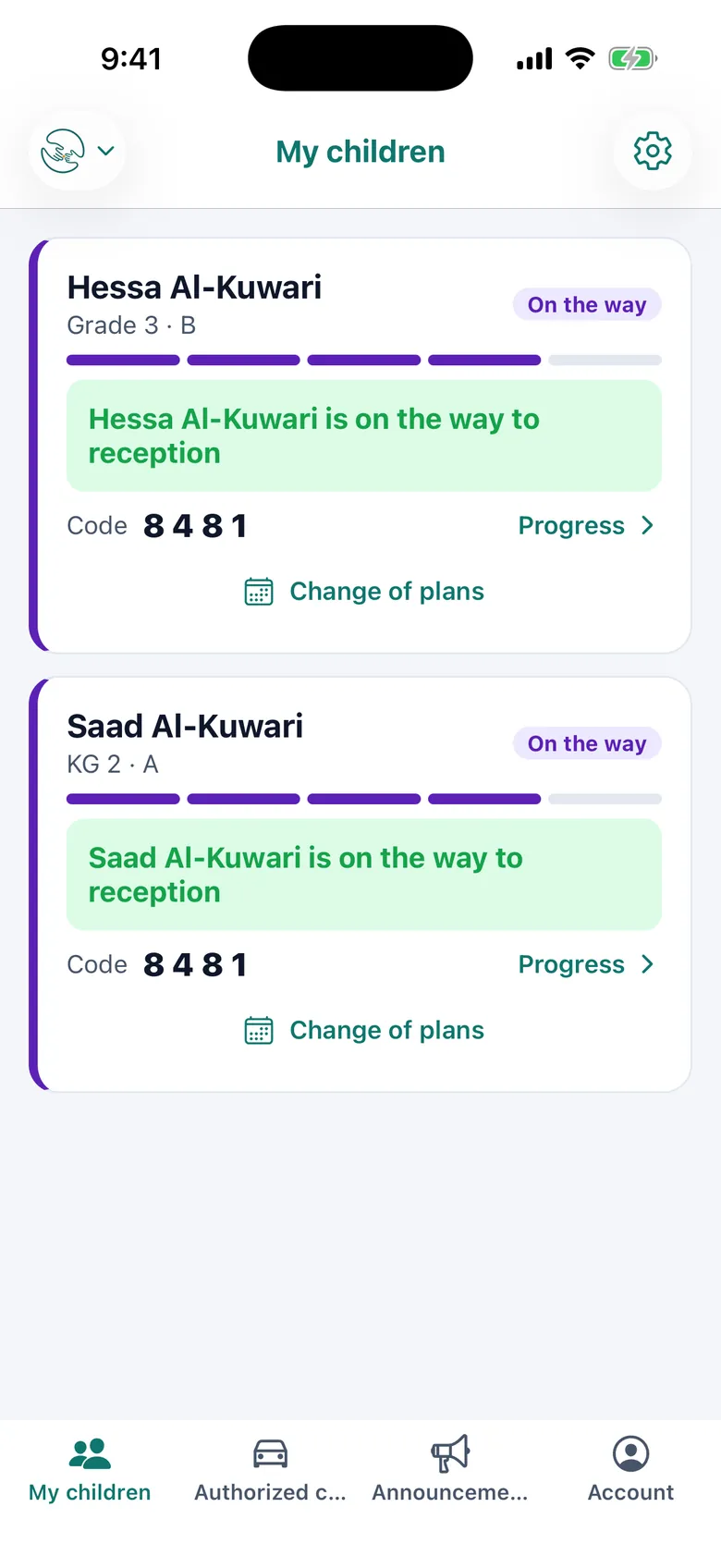
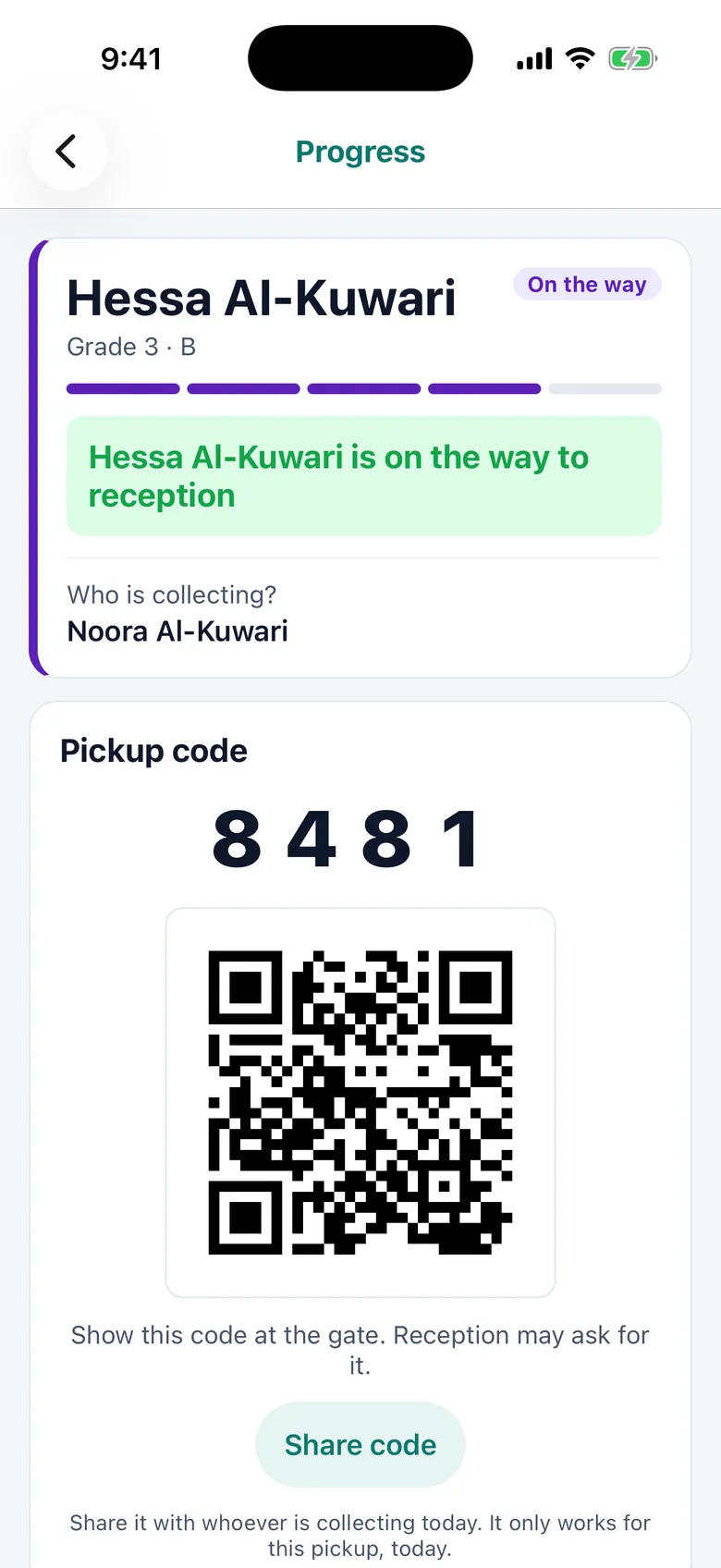
When you arrive, tap Request pickup. You will see your child go from Waiting to On the way.
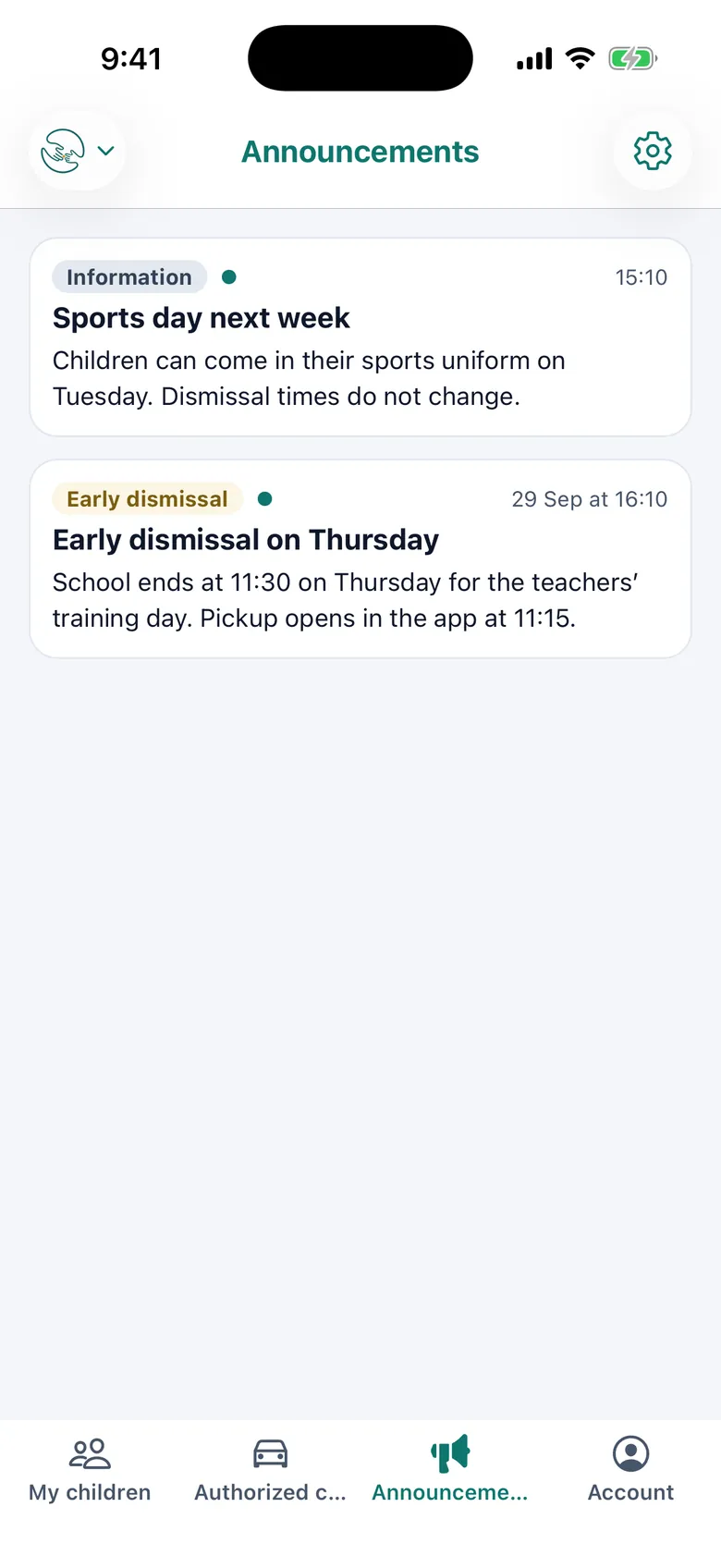
What you'll see in the app
- Each child's pickup status, updated live
- Your pickup code and QR for the gate
- A reminder to confirm you have your child
- Drivers and relatives you've added as collectors
- Absent, bus, club or early pickup plans for the coming days
- Announcements and emergency messages from the school

Your school must use Wildi first
The app only works with schools that have set up Wildi. If your school hasn't yet, tell them about us.
Parent questions
Is the app free?
Yes. Wildi is free for parents. Your school pays for the system.
My children are at two schools. Do I need two apps?
No. Add each school in the app and switch between them. Notifications from both arrive in the same app.
Can a driver or relative collect my child?
Yes. Add them as a collector in the app. The school approves each one before they can collect.
I can't find my school.
Check the code on the school's poster or message. If your school doesn't use Wildi yet, the app can't connect to it.
Who can see my information?
Your school. Your details are stored on your school's own Wildi server, not shared with other schools. See our privacy policy for more.
How do I delete my account?
In the app, open Account and choose Delete my account. You can also ask us on the delete account page.